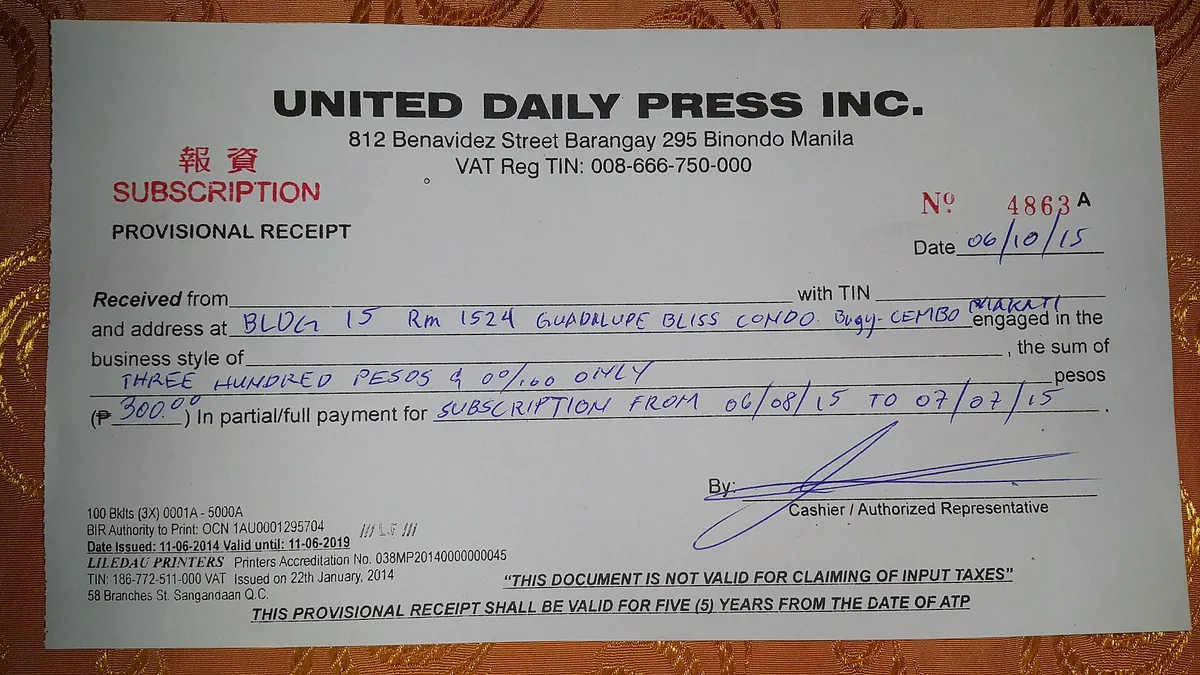
A small charge is easy to miss. That is exactly why subscriptions pile up. Each one felt worth it on signup day. A year later, a bank statement shows a row of payments for services that are barely used.
The fix is not to cancel everything in a panic. It is to build a light routine that keeps recurring payments visible. This article explains why subscriptions fade into the background, and how online banking tools make them easier to manage. This connects to our earlier piece, How Dunning Keeps Subscriptions Alive When Cards Fail.
Why Subscriptions Are Built to Fade
A subscription is a business model in which a customer pays a recurring price at regular intervals for access to a product or service, as Wikipedia’s definition puts it. The model suits digital products well, because access can continue with no new paperwork and no trip to a store.
That same design has a side effect. Wikipedia notes that some consumers pay for services they no longer value, because inertia keeps the payments alive and they do not realize they are still subscribed. The amounts are small, so each one slips under the radar. A drawer full of small charges can turn into real money over a year.
Make the Invisible Visible
Start with a simple inventory. Open your recent card and bank statements and list every charge that repeats. Look for annual plans too, since those renew quietly once a year. Write down the service, the amount, and the renewal date. The list itself often settles a few decisions on the spot.
- Scan statements for charges that repeat each month or each year
- Check app store subscriptions, which often sit apart from card statements
- Put renewal dates in a calendar so nothing renews unnoticed
- Rate each service as keep, pause, or cancel
Let Your Bank Do Some of the Work
Online banking is a system that lets customers view account information and run transactions through a bank’s website or app, according to Wikipedia’s overview of online banking. That access is the core tool here. Statements, merchant search, and alerts turn a pile of line items into a clear list.
Most banking apps can search transactions by merchant name, which finds recurring charges fast. Many banks offer card alerts, so a notification arrives each time a charge posts. Some banks issue virtual card numbers, which work well for free trials. Features differ from bank to bank, so it pays to see what yours provides.
Rules That Prevent the Next Surprise
A few habits keep future charges tame. Before any signup, check whether the plan renews itself and when. Set a reminder for the day before a free trial ends. Start with monthly billing until you know you will keep a service, then move to an annual plan only if the savings justify it.
Keeping subscriptions on one card makes the whole list visible in a single place. If your bank supports virtual cards, use one just for trials. Review the list on a fixed day each season. A short, regular habit is usually enough to stay in charge. For related coverage, see How Virtual Cards Change Payment Controls for Business AP.
When a Charge Still Surprises You
Mistakes happen even with a good routine. Start with the merchant, since many will refund a recent renewal without argument. If that fails, your bank offers a formal route. A chargeback reverses a money transfer and is ordered by the bank that issued the card, usually to settle a dispute, as Wikipedia’s chargeback overview explains. Evidence rules and deadlines vary, so act soon after the charge posts.
Conclusion
Subscriptions are convenient by design and quiet by design too. A short inventory, a few alerts, and a seasonal review are enough to keep them honest. Your banking app already shows the raw data. The routine turns that data into decisions, and the surprises stop arriving.
This article is for general education only. It is not financial, legal, or tax advice. Speak with a qualified professional before you make decisions about your money.